Advanced inventory management for QuickBooks Online

Extend QuickBooks Online with barcode-driven workflows, mobile inventory control, and advanced stock management
quickbooks inventory management

When is QuickBooks Online sufficient for inventory control?

QuickBooks Online Plus provides built-in inventory tools suitable for businesses with straightforward inventory needs:
Real-time inventory quantity tracking
Inventory, non-inventory, service items, and bundles
Product images and categories
Reorder points and low-stock alerts
Vendor management and purchase orders
Invoices and price rules
For small to mid-sized businesses that need basic inventory tracking tightly connected to accounting, QuickBooks Online is often enough.
purchasing and receiving facilities
As inventory operations grow more complex, like larger SKU counts, multiple storage locations, or more demanding fulfillment, QuickBooks’ native inventory tools can reach their limits.

Overcome QuickBooks Online’s inventory limits without replacing it

HandiFox Online and QuickBooks Online are fairly self-sufficient software solutions but together they are their best selves. Tap into the powerful potential of the HandiFox+QuickBooks integration by exploiting these features:
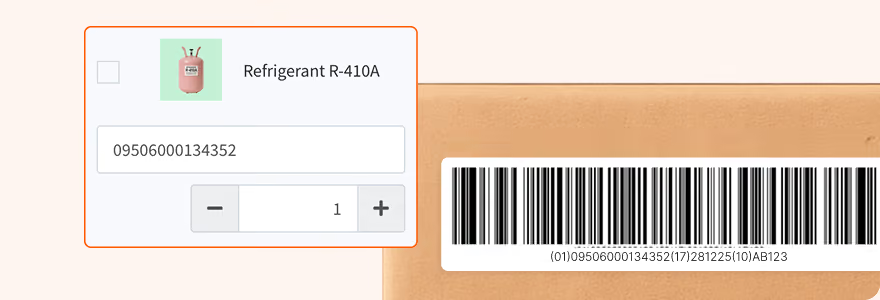
Barcoding
Enables fast, accurate barcode scanning for receiving, counting, picking, and shipping using a Bluetooth scanner or mobile camera, eliminating manual entry errors and ensuring clean inventory data.
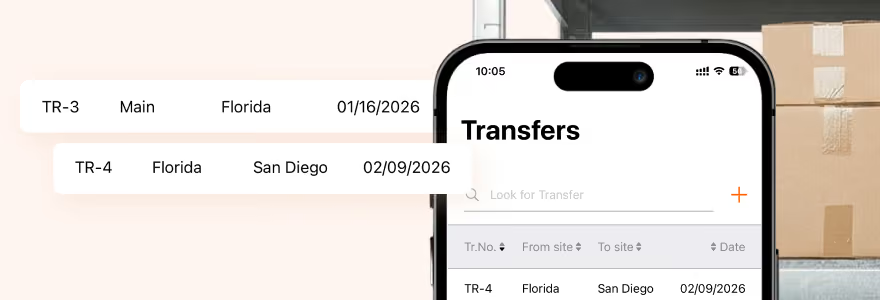
Multi-warehouse inventory management
Support for multiple warehouses and bin locations, with the ability to transfer stock between sites, providing clear visibility and control as your operations scale.
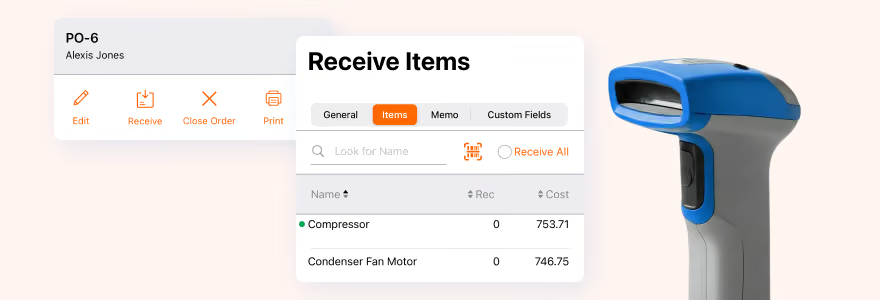
Inventory receipt
Automated inventory receiving through barcode scanning and batch receipts keeps inventory records and financial transactions aligned, no manual checks required.
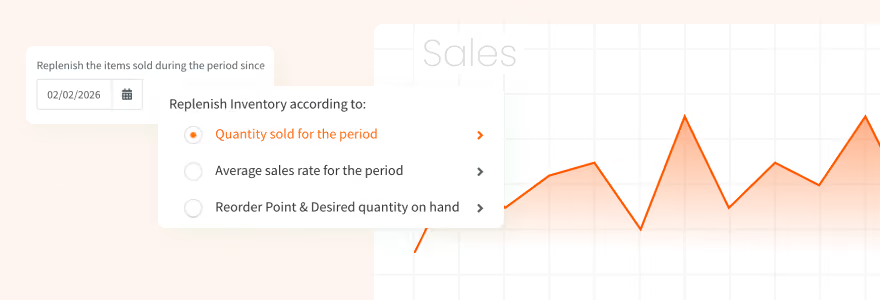
Inventory-triggered PO generation
Automatically generate replenishment POs based on reorder points, average sales rates, orsales over as elected period. Forecast how long your current inventory will last.
Pick & pack order fulfillment
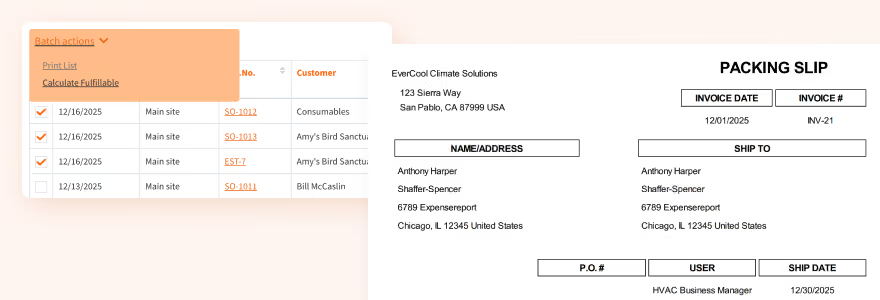
End-to-end order fulfillment with barcode-controlled picking and packing, FIFO/FEFO logic, and automatic invoice and receipt creation.
Units of measure
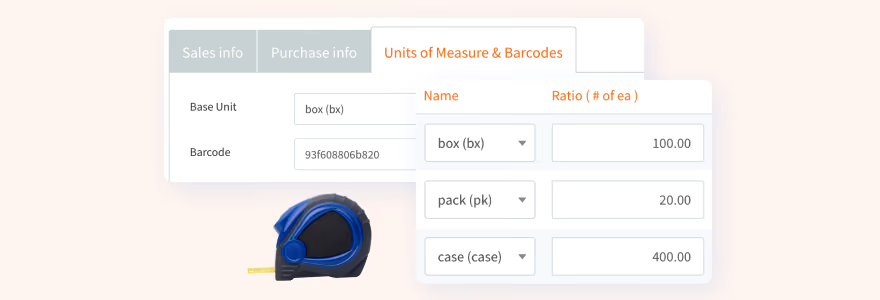
Support for multiple units of measure per item, with configurable conversion rates that can be applied directly during inventory transactions.
Lots, serials, and expiration dates
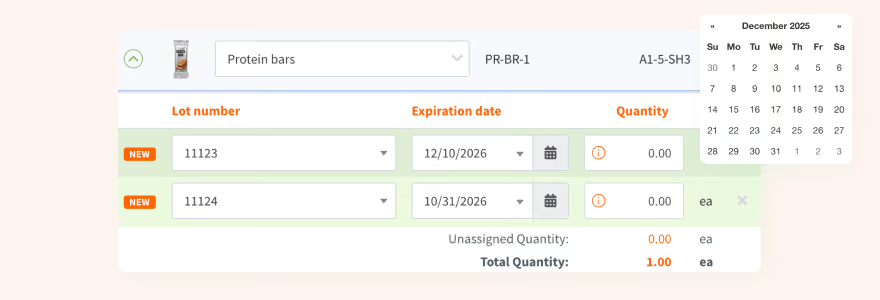
Track lots, serials, and expiration dates with enforced fulfillment rules, barcode labeling, and full product traceability.
Mobile app
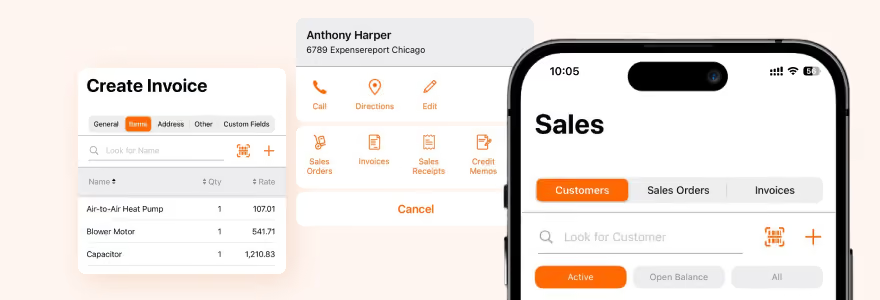
Extend your inventory operations beyond the office with mobile scanning, receiving, picking, counting, invoicing, and offline support, available on iOS and Android.

Optimize with our inventory management software for QuickBooks

Designed to work seamlessly in the cloud alongside QuickBooks Online, HandiFox Online empowers you to manage inventory and accounting from anywhere, at any time.
accurate barcode scanner app
Access purchasing, fulfillment, and sales data in real-time from any device
Process your inventory and sales transactions on the go with our iOS and Android mobile apps
Automatic updates and technical support included

Jumpstart with AI in inventory management automation

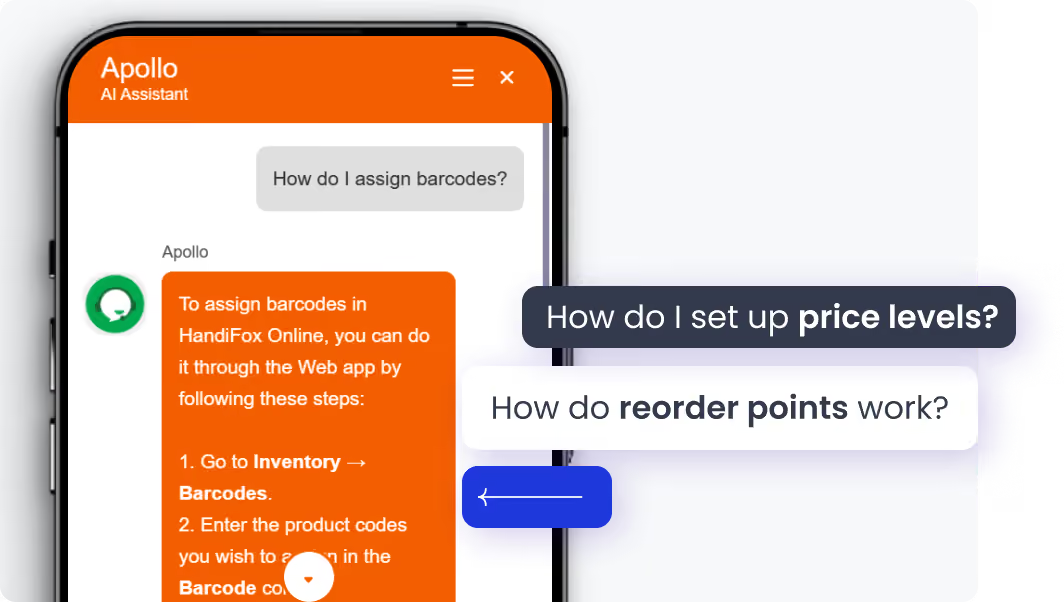
Our built-in AI assistant accelerates your inventory workflow from day one. Whether you're setting up stock locations or navigating orders, our AI helps you get it right the first time.
Instant onboarding support
Real-time task guidance
Fewer errors, faster execution
No manuals. No guesswork. Just answers.
Start free trial

Delivering results for every business

Beach City Supply
Charles Jameson
(Ohio, USA)
“The integration was very easy. The app offers multi-levels of measure for each sku that can all talk to QuickBooks helping maintain and adjust inventory.”
Team Marketing Group, LLC.
(Ohio, USA)
“We love this program! As a distribution company HandiFox has worked very well with our QuickBooks program. I highly recommend Handifox.”
Carrocks - Tailored Business Advice
Matthew Cocks
(Ohio, USA)
“The team was great and supported us with some custom development to suit our particular transaction flows from our Woo Commerce site through Quickbooks and into HandiFox.”

HandiFox Online & QuickBooks Online integration FAQs

Do I need to upgrade QuickBooks Online to use HandiFox Online?
You need to have either the Plus or Advanced subscription plans to access QuickBooks’ inventory features and to enable the integration.
When should I add HandiFox Online to QuickBooks Online?
HandiFox is a good fit when inventory operations become more complex, such as managing larger SKU counts, multiple warehouses, barcode workflows, or advanced fulfillment requirements.
How does the HandiFox + QuickBooks integration work?
Inventory transactions are processed in HandiFox Online and automatically synced to QuickBooks Online and the other way around, ensuring inventory data and financial records stay accurate and aligned in real time. 
Can I manage inventory on the go with HandiFox Online?
Yes. HandiFox Online includes iOS and Android mobile apps that support barcode scanning, receiving, picking, counting, invoicing, and offline work, anywhere your business operates.

Finally, inventory software that adapts to you