.svg)


.svg)
.svg)





Customer and vendor management FAQs
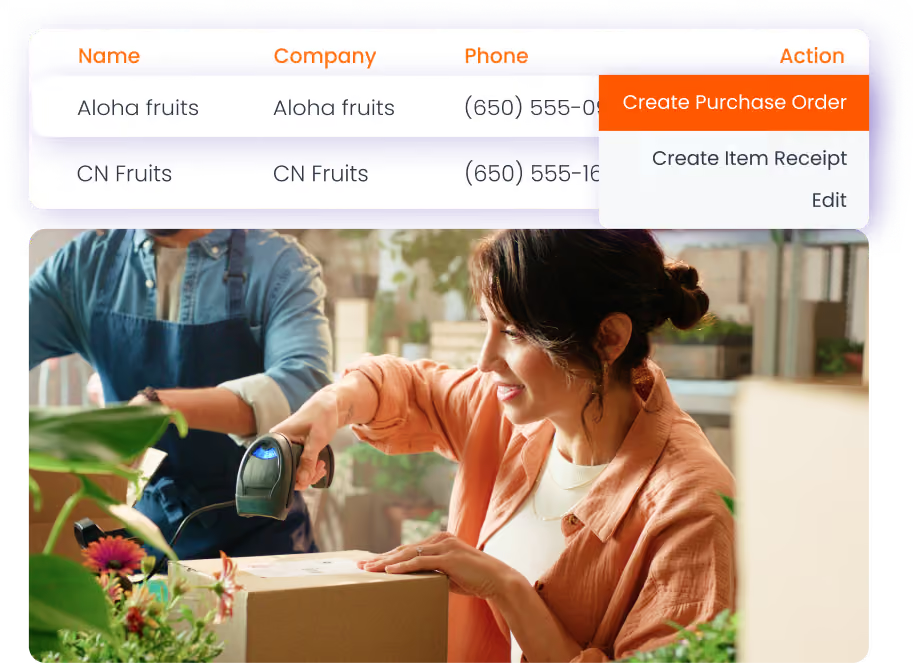
1. How does HandiFox simplify vendor management?

HandiFox centralizes supplier information, preferred vendors, purchase orders, and purchasing history. Buyers can work from vendor records and purchase activity instead of checking separate spreadsheets or email threads.
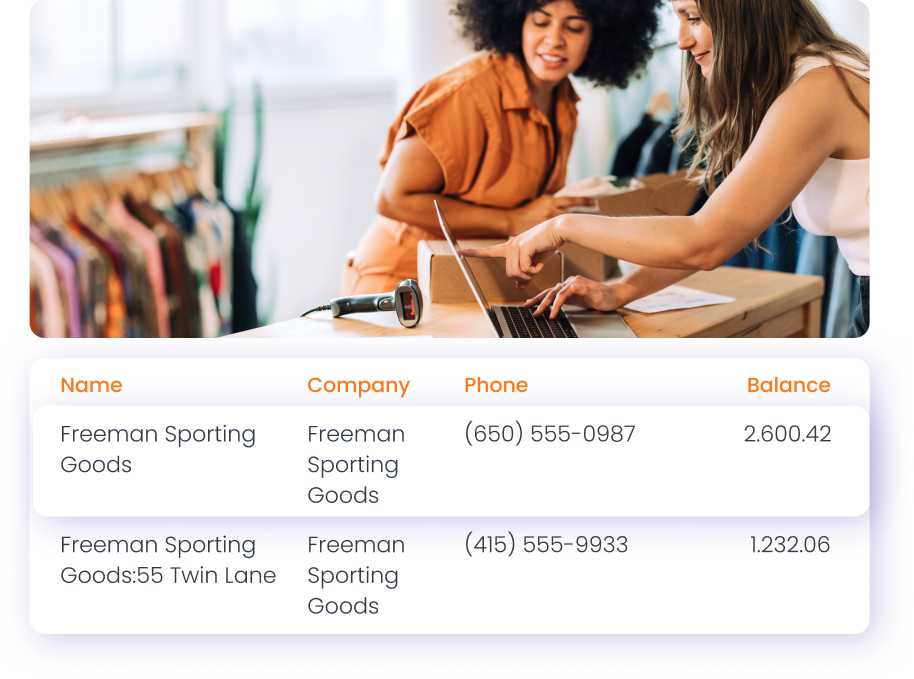
2. Can I manage both customers and vendors in one place?
Yes. HandiFox supports both sides of the business: purchasing from vendors and selling to customers. You can manage vendor records, purchase orders, customer information, balances, credits, and sales activity from connected workflows.
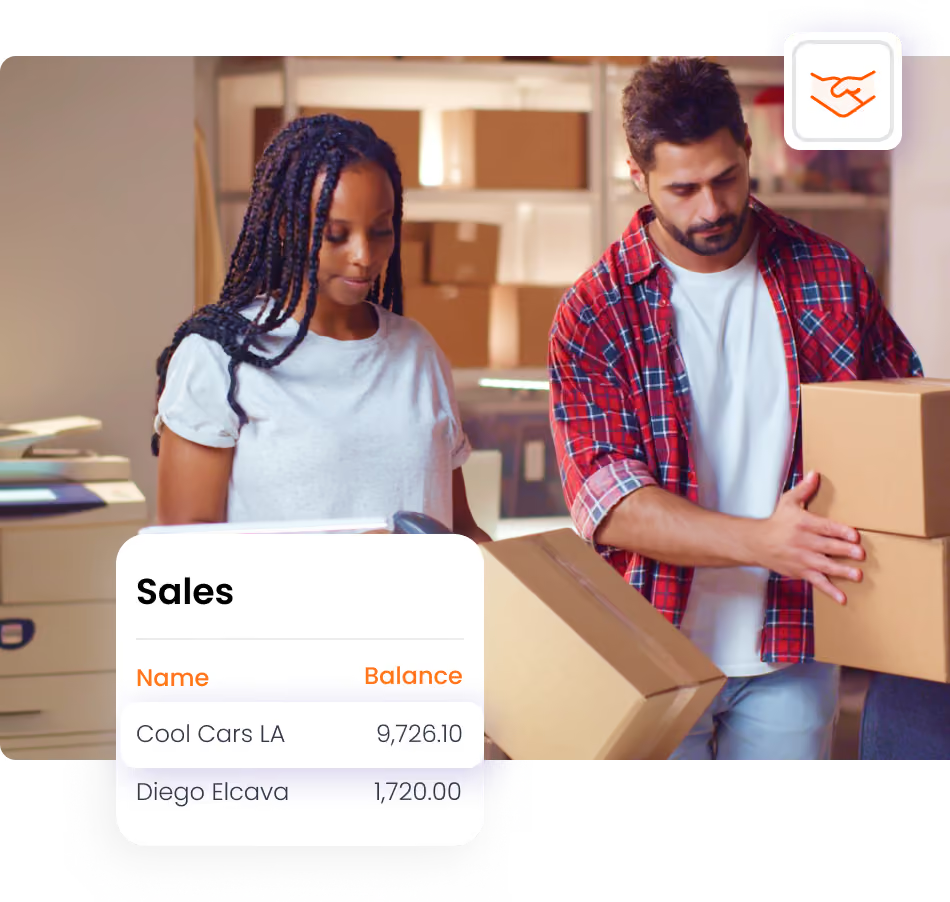
3. Does HandiFox help track customer balances and credits?
Yes. Your team can review customer balances, see available credits, and apply remaining credits on invoices when appropriate.
4. Can I email purchase orders and invoices from HandiFox?
Yes. HandiFox supports sending purchase orders, sales orders, and invoices directly to vendors and customers.
5. How does this support better business decisions?
HandiFox connects inventory, purchasing, and sales data. Reports such as purchases by vendor and sales by customer help the team understand which suppliers, customers, and products are driving activity.
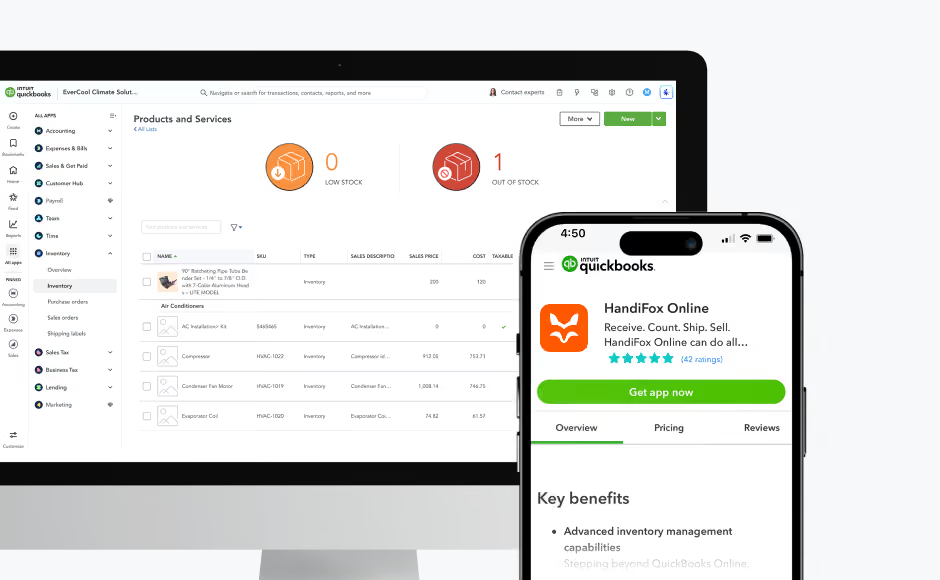
6. Does this work with QuickBooks?
Yes. HandiFox is designed for businesses that run inventory and accounting together with QuickBooks Online or QuickBooks Desktop, depending on the product you use.