Hot July Sale: Up to 35% Off HandiFox Online and HandiFox Deskop →

Industrial equipment and parts inventory management software

Manage heavy equipment, replacement parts, and supplies across warehouses, yards, and service locations. HandiFox helps keep serialized equipment, everyday parts, purchasing, and stock movement organized in one system
Inventory management software

Inventory challenges in industrial equipment and parts

Equipment and parts need different levels of tracking

Serialized equipment may need to be identified unit by unit, while smaller parts and supplies are usually managed by SKU, quantity, and barcode.

Units of measure can complicate inventory counts

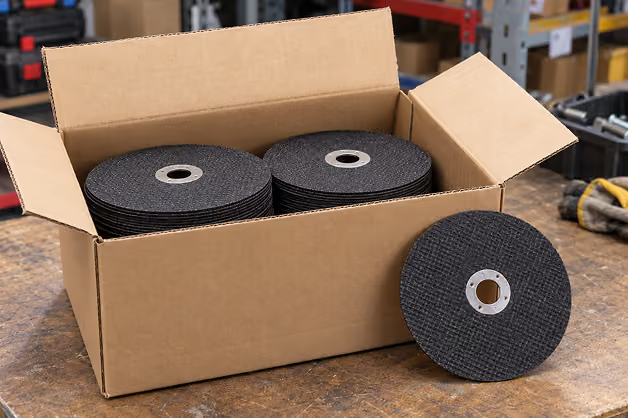
Parts may be purchased by the case but stored, counted, or sold by the piece, so the correct unit conversions need to stay consistent across transactions.

Stock is spread across multiple locations

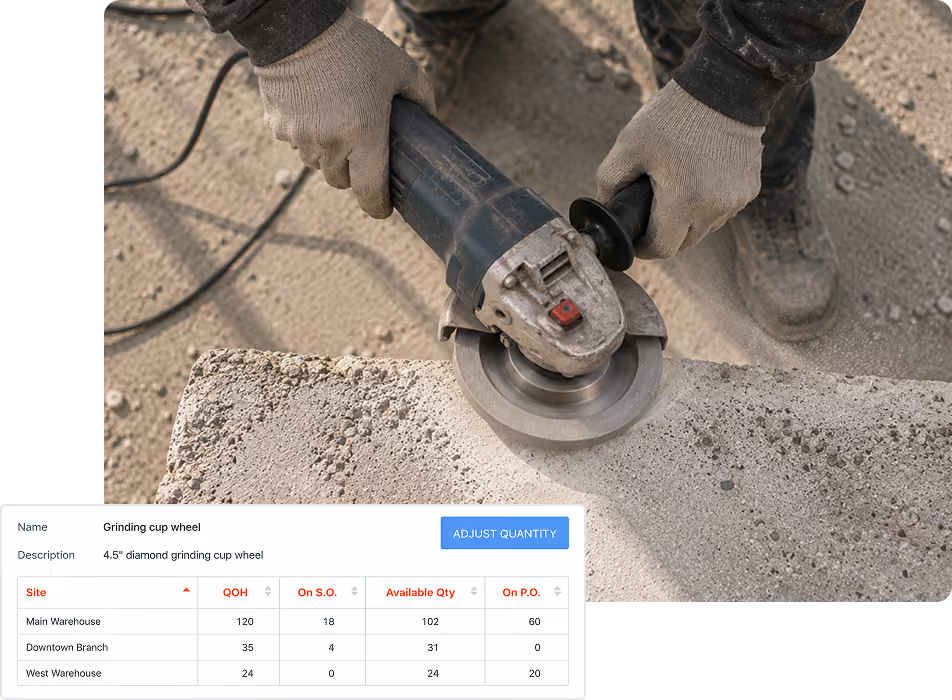
Warehouses, yards, branches, and service centers may each hold different quantities, making location-level inventory visibility important alongside the company-wide total.

Separate operational and accounting records create extra work

When inventory, purchasing, and sales are entered independently from accounting, records can become inconsistent and require additional reconciliation.

How industrial equipment inventory tracking works in HandiFox

Manage stock from equipment to spare parts

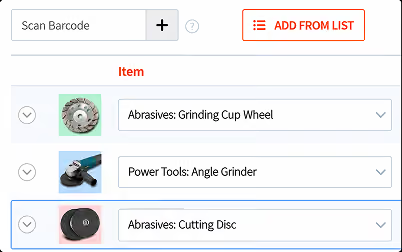
ITEM TRACKING AND IDENTIFICATION

PURCHASING AND REPLENISHMENT

STOCK ACROSS LOCATIONS

MOBILE INVENTORY WORK

PRICING AND REPORTING

Keep industrial inventory connected to QuickBooks

Sync inventory and accounting data

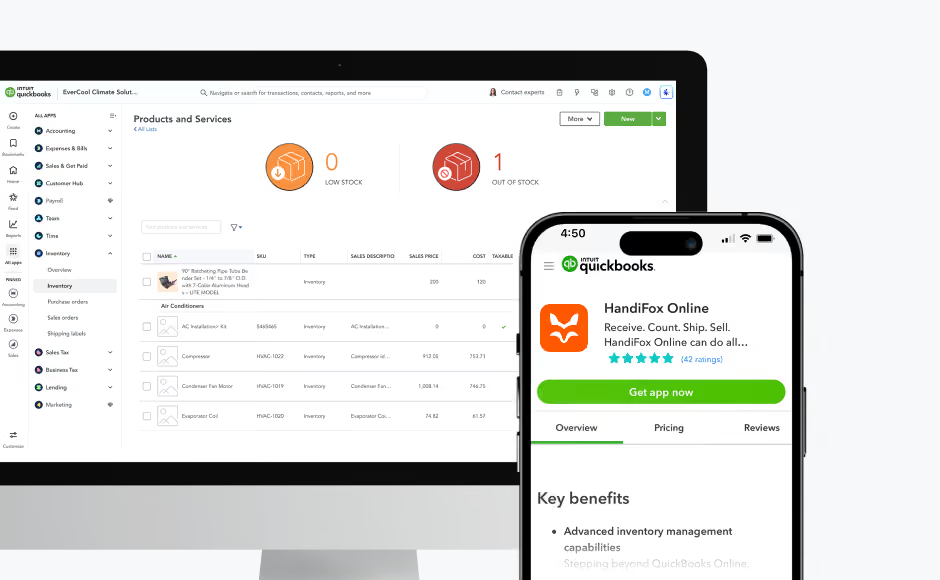
HandiFox Online works with QuickBooks Online, while HandiFox Desktop works with QuickBooks Desktop. Data syncs in both directions across inventory, purchasing, sales, and accounting records.

Keep updates flowing between systems

A full synchronization runs when you save your work in HandiFox, helping changes made during day-to-day inventory and sales activity stay aligned with QuickBooks.

Trusted by small businesses
that need inventory to stay accurate

HandiFox helps growing teams replace manual inventory work with faster, more reliable workflows connected to QuickBooks.

300+ SMBs

run inventory with HandiFox

16+ years

automating SMB inventory

4.9/5

on QuickBooks App Store

How Liftech connects equipment inventory with field service

During a busy season, HandiFox was crucial in managing the surge in job requests. Mobile access helped us handle sourcing and invoicing efficiently, preventing delays and ensuring smooth service.

Margilyn Lagata

Liftech Ltd.

The challenge

Liftech sells and services forklifts and material-handling equipment, which means keeping equipment, parts, warehouse activity, and field work coordinated while staying connected to QuickBooks Desktop.

The result
  • Better inventory accuracy
  • Fewer missed billings
  • Faster sourcing and invoicing
  • Better coordination between warehouse and field teams
  • Inventory and sales connected with QuickBooks Desktop
With Handifox

The team uses HandiFox to manage inventory and sales alongside QuickBooks Desktop. Mobile access supports sourcing and invoicing away from the office, while barcode workflows help keep stock movement and day-to-day inventory activity organized.

What industrial supply and equipment distributors say

Midwest Circuit Technology
Larry Hodson
(Ohio, USA)
“Midwest has been using HandiFox for 11 years. We've put consigned inventory at two customer sites. They scan our product out and we replenish as needed. HandiFox has allowed us to manage 4 separate inventories at 3 sites. Although rarely needed, the support team is very fast and excellent.”
LC Travis
Erica Hamilton
(Ohio, USA)
“e have been very pleased with HandiFox. The customer support is top-notch! You can't go wrong with this software.”

About HandiFox

Support you can count on: real people + smart AI
HandiFox backs you with a team of inventory pros and an in-app AI guide that’s always a click away. Whether you’re stuck or scaling, help is built right into your workflow.
Automate it all: inventory, orders, and sales
Say goodbye to clunky spreadsheets. HandiFox automates stock counts, purchase orders, and sales, plus barcode and QR scanning, to keep your business humming and your hands free.
QuickBooks sync: inventory and finance in perfect step
HandiFox syncs with QuickBooks Online and QuickBooks Desktop in real time, keeping your numbers sharp and your books balanced. It’s like your inventory and accounting just became best friends (with benefits).

Where HandiFox fits in industrial equipment operations

HandiFox is a good fit if you…

Distribute industrial equipment and replacement parts

Need serial-number tracking for high-value equipment

Buy in one unit of measure and sell in another

Manage stock across warehouses, yards, or service locations

Run purchasing and accounting in QuickBooks

A tool or asset system fits better if you…

Track tools that employees check out and return

Maintain an asset register or depreciation schedule

Schedule preventive maintenance for owned equipment

Need a dedicated tool crib or tool-room workflow

Track assets primarily for internal use rather than sale

Industrial equipment inventory FAQs

1. What does industrial equipment inventory software do?
It helps manage equipment and parts through receiving, storage, transfers, counting, purchasing, sales, and accounting. HandiFox also supports serial and lot tracking, units of measure, and inventory by location.
2. Can I track heavy equipment and small parts together?
Yes. Equipment that needs unit-level identification can be tracked by serial number, while everyday parts and supplies can be managed by SKU, barcode, and quantity.
3. Can I buy in one unit and sell in another?
Yes. An item can be purchased in one unit of measure, such as a case or box, and sold or counted by the piece. HandiFox converts between the units defined for the item.
4. Can I manage inventory across several locations?
Yes. Warehouses, yards, service centers, and other configured inventory locations can each hold their own quantities alongside the company-wide total. Transfers update inventory at both locations.
5. Can serial and lot numbers help with warranty or recall questions?
Yes. Serial and lot tracking provides a transaction history for individually tracked units or batches, which can help when researching warranty, service, or recall questions. HandiFox does not manage the warranty, service, or recall process itself.
6. Is HandiFox a tool tracking or tool crib system?
No. HandiFox is designed to manage inventory that a business buys, stocks, and sells. It does not provide employee tool check-out, fixed-asset registers, or preventive maintenance scheduling.
7. Does it work with QuickBooks?
Yes. HandiFox Online works with QuickBooks Online, while HandiFox Desktop works with QuickBooks Desktop. Data syncs in both directions, with a full synchronization when you save your work in HandiFox.

Keep equipment and parts accounted for

Track heavy equipment by serial number, parts by barcode, the right unit of measure on each transaction, and inventory records connected with QuickBooks.

Or call + 1 877 942  6343

Sizzling July savings!
Get up to 35% off HandiFox Online and HandiFox Desktop.
Save now