


Hot July Sale: Up to 35% Off HandiFox Online and HandiFox Deskop →

HandiFox Online vs. Sortly: compare features, pricing, and workflows

Comparing Sortly alternatives? Sortly is built for simple, visual item tracking, while HandiFox Online adds purchasing, sales orders, fulfillment, and deeper QuickBooks-connected inventory workflows.

Pricing: what you get at comparable tiers

Price
Users & Devices
Locations
Jobs
Item limit
QuickBooks Online
Mobile app (iOS, Android)
Barcode and QR scanning
Purchase orders
Inventory receiving
Inventory counting
Units of measure
Serial/lot number tracking
Reorder triggers
Automated replenishment
Sales orders
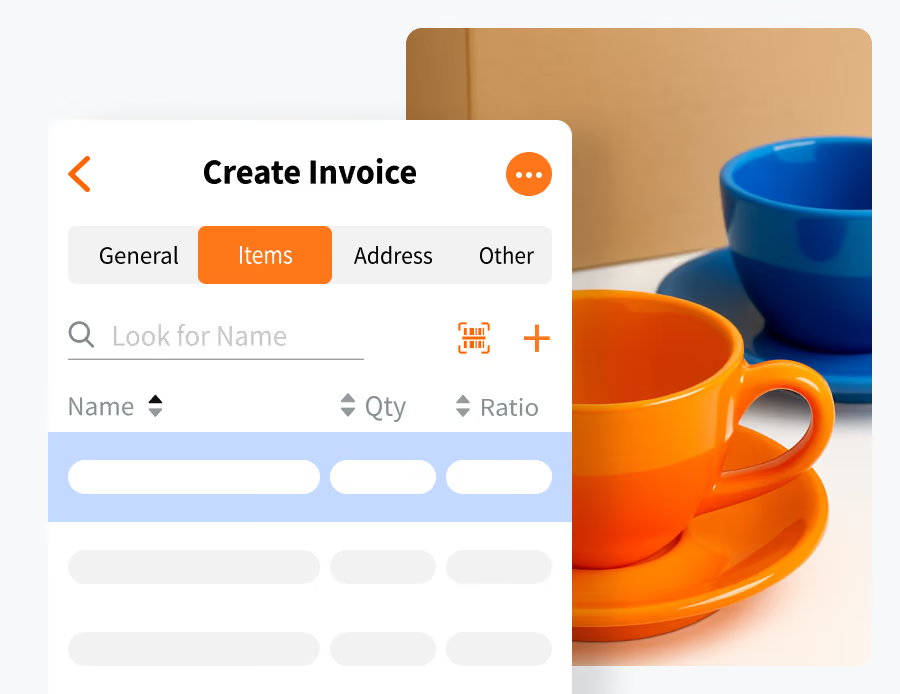
Invoicing
Picking and packing
Price levels
B2B portal

HandiFox Online

$129/mo billed annually*
5 users, 3 mobile devices; additional user $15/mo, additional device $40/mo
Unlimited
Unlimited
Multi-location inventory tracking

Sortly

$149/mo billed annually for the first year*
8 users
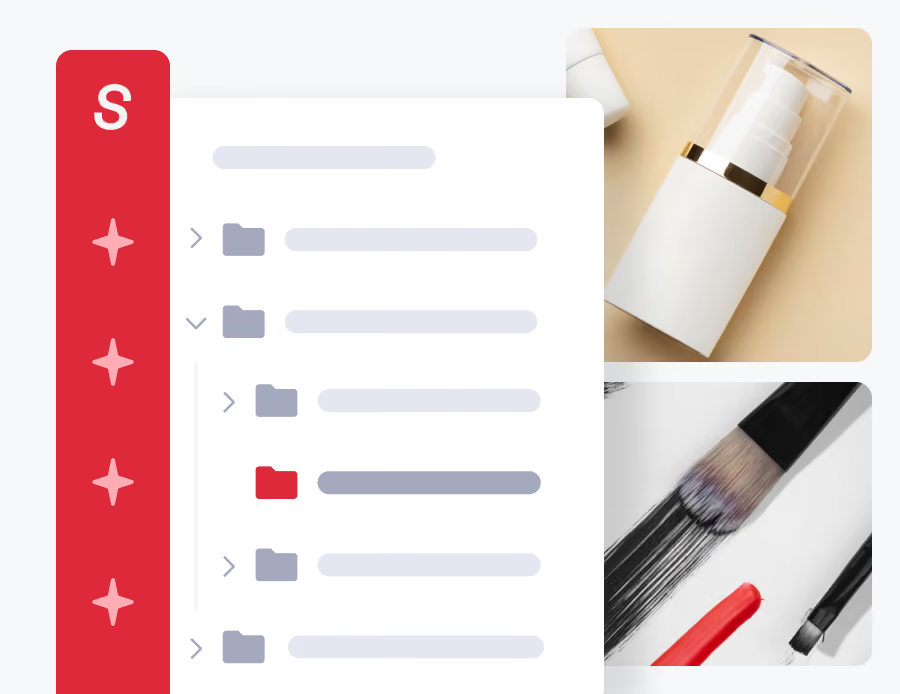
Locations via folders
5,000 unique items
Multi-location inventory tracking
Pick Lists
*Annual rates shown; pricing checked October 26, 2026. Sortly Premium is shown at its first-year promotional rate.

Pricing: what you get at comparable tiers

HandiFox

Sortly

Price

$129/mo billed annually*
$149/mo billed annually for the first year*

Users & Devices

5 users, 3 mobile devices; additional user $15/mo, additional device $40/mo
8 users

Locations

Unlimited
Locations via folders

Jobs

Item limit

Unlimited
5,000 unique items

QuickBooks Online

Mobile app (iOS, Android)

Barcode and QR scanning

Purchase orders

Inventory receiving

Inventory counting

Units of measure

Serial/lot number tracking

Reorder triggers

Automated replenishment

Sales orders

Invoicing

Picking and packing

Pick Lists

Price levels

B2B portal

*Annual-billing rates shown; pricing checked October 23, 2026

What HandiFox Online and Sortly have in common

Mobile inventory on iOS and Android

Look up, update, and manage inventory from phones and tablets while working away from a desk.

Barcode and QR code scanning

Scan items from a mobile device and generate barcode or QR labels when needed.

Multi-location inventory tracking

Keep quantities organized by physical location while maintaining a company-wide view of stock.

Purchase orders and receiving

Create purchase orders and record inventory as it is received.

Stock counts

Run structured physical counts from mobile devices, including barcode-assisted counting.

Offline mobile access

Keep working when connectivity drops, then sync changes once the device reconnects.

The key difference: visual tracking or transactional inventory

Sortly: visual item tracking

Best suited to organizing and locating physical inventory.
Folders, photos, tags, and custom fields
Check-in/check-out
Job-based tracking
Strong fit for tools, equipment, supplies, and assets
purchasing and receiving facilities

HandiFox: inventory tied to sales and purchasing

Built around what happens when inventory is bought, sold, fulfilled, and accounted for.
Sales orders and invoicing
Picking and packing
Serial and lot tracking
Replenishment and price levels
Two-way QuickBooks workflows

QuickBooks is where the approaches differ most

HandiFox

For QuickBooks-heavy businesses, HandiFox keeps more of the day-to-day inventory workflow connected.

HandiFox keeps a broader set of records connected

Products, customers, vendors, sales, purchasing, and inventory data can synchronize between the systems. HandiFox Online can also operate in standalone mode without QuickBooks.

Sortly sends selected transactions to QuickBooks Online

QuickBooks Online integration is available on Sortly Premium and Enterprise. Invoices and purchase orders created in Sortly can be sent to QuickBooks Online.
HandiFox

For QuickBooks-heavy businesses, HandiFox keeps more of the day-to-day inventory workflow connected.

From low stock to replenishment

HandiFox

For teams that want more guidance before creating a purchase order, HandiFox takes the replenishment workflow a step further.

HandiFox helps calculate what to reorder

HandiFox uses reorder points, desired quantities, and sales activity over a selected period to build a restocking suggestion and prepopulate a purchase order for review.

Sortly flags items that need attention

Sortly uses minimum stock levels and low-stock alerts to identify items that may need restocking. Purchase orders can then be created to replenish them.
HandiFox

For teams that want more guidance before creating a purchase order, HandiFox takes the replenishment workflow a step further.

Picking is not quite the same as fulfillment

HandiFox

For teams that need picking to flow into packing and order completion, HandiFox covers more of the fulfillment process.

HandiFox connects picking to order fulfillment

HandiFox ties picking to the sales-order workflow, with barcode verification through picking and packing and support for partial fulfillment.

Sortly supports straightforward pick lists

Sortly offers Pick Lists on Ultra, Premium, and Enterprise. Teams can assign lists, pick items on mobile, and track completed picks.
HandiFox

For teams that need picking to flow into packing and order completion, HandiFox covers more of the fulfillment process.

Serial and lot number tracking

HandiFox

For serialized or lot-controlled inventory, HandiFox handles the workflow natively.

HandiFox tracks serials, lots, and expiration dates

HandiFox Online Pro includes dedicated serial and lot number tracking, including expiration dates.

Sortly uses general item fields

Sortly supports custom fields and unique item IDs, but does not provide an equivalent dedicated serial and lot tracking workflow.
HandiFox

For serialized or lot-controlled inventory, HandiFox handles the workflow natively.

Which one fits your business better?

HandiFox

You sell the inventory you track.

QuickBooks is central to your inventory and accounting workflow.

You need serial/lot tracking, replenishment, and deeper fulfillment workflows.

Your team works across warehouses, vehicles, and field locations, including offline.

Sortly

Visual organization and item tracking are the priority.

You manage tools, equipment, or supplies by job.

You want a lightweight system with a free starting tier.

You mainly need to know what you have and where it is.

What HandiFox customers say

Skyline Fire Solutions
(Ohio, USA)
“I have been on the hunt for an inventory software that has a 2-way sync with QuickBooks, with multiple inventory locations, and an overall view of inventory on hand between all sites … No double entry of parts or importing/exporting, you simply sync it to QuickBooks and BOOM everything is there.”
Shower Hardware Supply
Mike Palmer
(Ohio, USA)
“Overall, we use HandiFox now from all 3 separate locations and have found that our team at Shower Hardware Supply can now see which warehouse has or doesn't have something that is needed for our customers. Has proven to be a great tool for us and would be blind without it.”
I-80 Trailers
Todd Reed
(Ohio, USA)
“We recently integrated the HandiFox system into our trailer business for inventory and POS controls. Ruslan and his team have been very responsive in our efforts to work together making it personalized for our particular industry. We are pleased we went with this platform!”

HandiFox vs Sortly FAQs

1. Is HandiFox a good Sortly alternative?
Yes, particularly if you have moved beyond basic item tracking and need sales orders, fulfillment, replenishment, serial or lot tracking, or a deeper QuickBooks connection. Sortly may be the better fit if visual organization, tool or asset tracking, and a simpler inventory setup are the priority.
2. Does Sortly integrate with QuickBooks?
Yes. QuickBooks Online integration is available on Sortly Premium and Enterprise, allowing invoices and purchase orders to be sent to QBO. HandiFox Online has a broader two-way QuickBooks Online connection, available from the lowest (Start) plan.
3. Does Sortly have an item limit?
Yes. Sortly limits unique items by plan: 100 on Free, 500 on Advanced, 2,000 on Ultra, and 5,000 on Premium. Enterprise starts at 10,000+ unique items.
4. Does Sortly support inventory counting?
Yes. Sortly Stock Counts are available on Ultra, Premium, and Enterprise and support web and mobile counting, barcode scanning, assignments, and discrepancy review. HandiFox also supports structured inventory counts and barcode-based counting workflows.
5. Which one is better for barcode inventory?
Both support barcode scanning from mobile devices and barcode label generation. Sortly is particularly strong for visual item, asset, and tool tracking; HandiFox connects barcode scanning more deeply with receiving, counting, sales-order fulfillment, and other transactional inventory workflows.
6. Which one is better for QuickBooks users?
Sortly works well if you mainly want to send invoices and purchase orders into QuickBooks Online. HandiFox is the stronger fit if QuickBooks is central to the inventory workflow and you need broader two-way synchronization or QuickBooks Desktop support.
7. Does either app work offline?
Yes. Both Sortly and HandiFox support mobile inventory work without a continuous internet connection and synchronize updates after connectivity returns.

Try HandiFox with your own inventory

If you are considering a Sortly alternative, test HandiFox with the workflows that matter to your business: your own items, purchase orders, sales orders, mobile inventory, and QuickBooks data.

Or call + 1 877 942  6343

Sizzling July savings!
Get up to 35% off HandiFox Online and HandiFox Desktop.
Save now