



.svg)


Similar units need separate records
Two boards can share a SKU but still need separate serial records. Capturing the serial on each transaction keeps returns and support checks easier.
Know which unit you hold, which lot it came from, and what is left on the shelf. One system for serial-level tracking, barcode scanning, purchasing, and fulfillment — connected to QuickBooks Online or Desktop.

Electronics inventory works best when each unit, variant, reorder point, and location is easy to identify.
Two boards can share a SKU but still need separate serial records. Capturing the serial on each transaction keeps returns and support checks easier.
Connectors, cables, and adapters often differ by pitch, plating, length, or pack size. Clear item records help the team select the right line item.
Everyday accessories need visible reorder points, so buyers can replenish before available stock gets low.
Units may sit in a warehouse, at another site, or inside an order already picked for shipment. Location-level inventory keeps the team working from the same numbers.
Track individual items by serial number to reduce losses, improve accountability, and make returns straightforward. For high-value electronics, the serial is what turns a quantity into an identifiable unit with a history.
Scan or record the serial as the unit is checked in, so it enters your records identified rather than counted.
Serial and lot numbers attach to the item, and expiration dates attach to lots where the product needs them.
The serial travels with the sale, so you know which specific unit went to which customer and when.
The Transactions by Serial/Lot Numbers report shows the movement behind any unit — useful when a customer disputes what they received, or when you need to find where a batch went.
Barcode scanning is where accuracy is won in electronics. It removes the typing, and typing is where the wrong SKU enters the record.
Scanners and labels. Use a barcode scanner over Bluetooth or the camera on the device your team already carries. HandiFox reads existing barcodes and generates and prints new 1D and 2D barcode labels for items that arrive without one. See also order picking and packing.
Scan a delivery in against the purchase order instead of keying quantities line by line.
Count one aisle or one product group without closing the counter for a day. A full physical inventory works the same way.
Verify each line as it is picked, so the box that leaves matches the order on paper.
The barcode-enabled pick-and-pack procedure checks the order twice before it goes out — once at picking, once at packing.

Sell with confidence, knowing what is on hand and what is coming in. HandiFox holds inventory levels for each item and shows what already sits on a purchase order, so a salesperson can commit to a delivery date without walking to the back room.
Where stock sits in more than one place, you see the quantity at each location next to the company total. That is the difference between telling a customer you are out and telling them you are out here, but there are nine at the other site. More on tracking stock across sites.
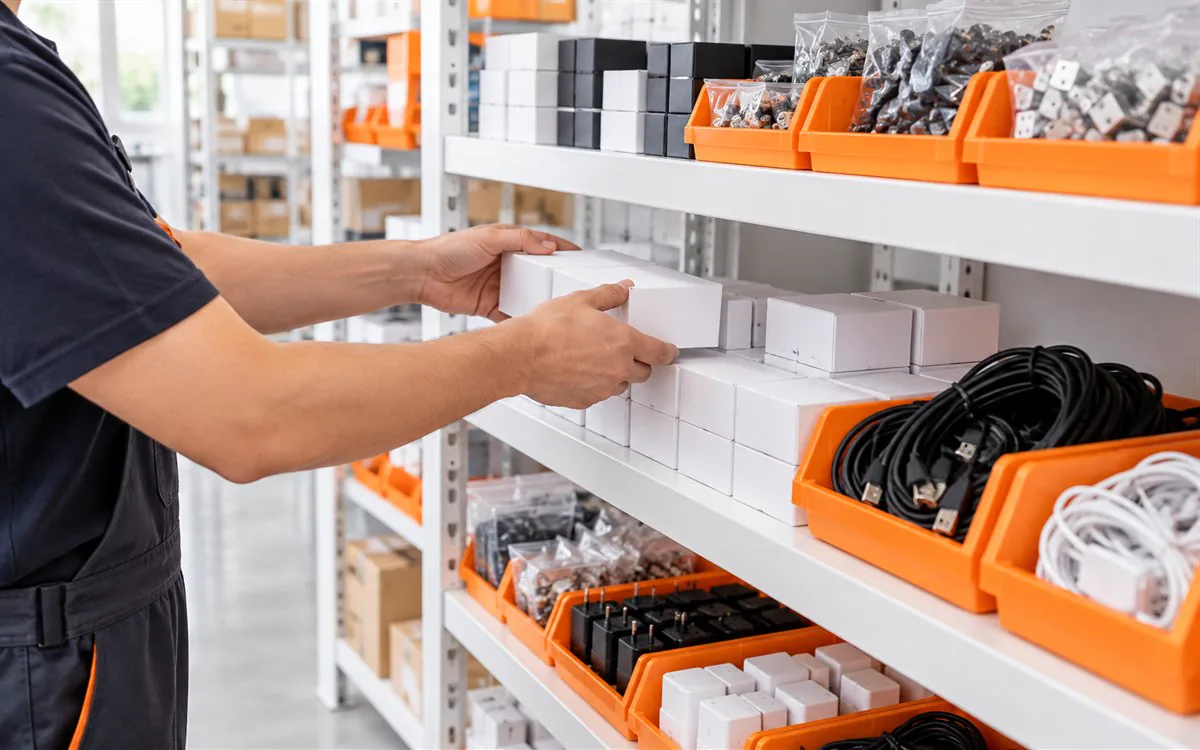
Reordering starts with a threshold and the quantity you want back on the shelf. Both are yours to define, per item and per location.
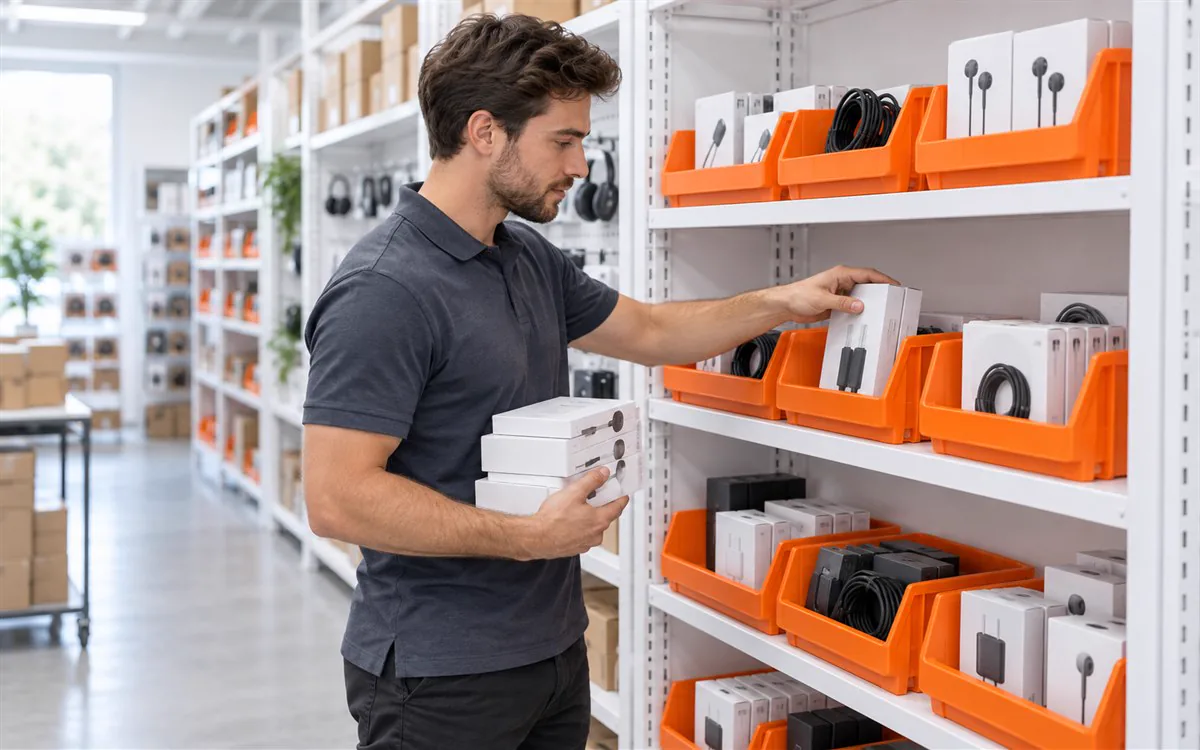
When an item drops to its threshold, HandiFox flags it and builds a restocking suggestion from the reorder point and the desired quantity on hand.

The suggestion becomes a prepopulated purchase order. Your buyer reviews the quantities and sends it. HandiFox supplies the inputs; the ordering decision stays with your team.
Electronics inventory tracking works across multiple warehouses and sites, with the quantity held per location and rolled up to a company total.
Your team runs warehouse operations from where the stock is. The mobile app covers stock intake, counting, order fulfillment, and sales from an Android or iOS device, and most features keep working when the connection drops — sales, inventory adjustments, and new transactions all record offline and sync once you are back online.
Supported platforms differ by product: HandiFox Online runs on Android and iOS, HandiFox Desktop on Android. More on the mobile inventory app.
HandiFox Online works with QuickBooks Online, HandiFox Desktop with QuickBooks Desktop. The exchange runs both ways: a full synchronization happens every time you save your work, new transactions created in HandiFox upload right away, and changes made in QuickBooks — products, customers, transactions — come back into HandiFox.
Customize inventory, purchasing, and sales reports to the cuts your business actually reviews, including supplier and customer activity, so the data behind a decision is the data your team already works from. Details on the QuickBooks inventory integration.
HandiFox is an inventory management system, not a substitute for a repair or planning platform. Most electronics retailers and distributors on QuickBooks need the operational half done properly and nothing beyond that.
Serial numbers, barcode rules, locations, mobile devices, and QuickBooks need to start from the same inventory structure. The HandiFox team helps configure the workflows your staff will use before go-live.
Support after go-live. The support center, getting-started guide, and training resources remain available after launch. HandiFox Online also includes an in-app AI assistant for setup and workflow questions. Available support channels depend on your plan.
Review products, serial and lot tracking needs, locations, mobile devices, and whether you run QuickBooks Online or QuickBooks Desktop.
Inventory data is imported and synchronized with QuickBooks, then tracking, barcode, replenishment, and access settings are configured for the team.
Staff train on receiving, counts, picking, shipping, and sales, then validate each selected workflow before go-live.
Ultra A&C Solutions sells, installs, and repairs air-conditioning, heating, and ductwork systems. The company needed warehouse processes and serial tracking that worked alongside QuickBooks.

“The serial number tracking from PO to end sale is the most helpful.”
After trying Lightspeed and Sortly, the company still needed warehouse processes, serial tracking, and QuickBooks connectivity in one system.
HandiFox Online brought inventory tracking, warehouse work, serial number tracking, picking and packing, sales, and invoicing into the operating process.
HandiFox combines long-term inventory experience with guided implementation and customer ratings published on independent software platforms.
run inventory with HandiFox
building SMB inventory software
on QuickBooks App Store
Yes. Serial numbers are recorded as a unit is received and stay with it through transfers, counts, picking, and the sale. Lot numbers and expiration dates work the same way for items that need them. The Transactions by Serial/Lot Numbers report shows the full movement history behind any individual unit.
Yes. HandiFox holds the quantity at each warehouse or site alongside the company total, so you can check whether an item is available here, elsewhere, or already committed to an open order. Stock can be transferred between locations, and the numbers update at both ends as the transfer completes.
You set a reorder point and a desired quantity on hand per item. When stock reaches the threshold, HandiFox flags it and builds a restocking suggestion, which becomes a prepopulated purchase order. Your buyer reviews the quantities before sending it — the system supplies the signal, not the decision.
Yes. Scan with a Bluetooth barcode scanner or the camera on a mobile device. Barcodes speed up receiving against a purchase order, cycle counts, picking, and the two-step shipment verification before an order ships. HandiFox also generates and prints 1D and 2D labels for items that arrive without a barcode.
No. HandiFox does not include warranty registration, RMA processing, or repair service management. What it provides is the traceability underneath those processes: the serial or lot number, the purchase order the unit arrived on, and the sale it left on. Businesses that need formal warranty or repair workflows normally run a dedicated system alongside their inventory software.
HandiFox Online has native Android and iOS apps and connects to QuickBooks Online. HandiFox Desktop supports Android devices and connects to QuickBooks Desktop. Most mobile features keep working without a connection, and records sync once the device is back online. Recommended device models and OS versions are listed in the system requirements.
One record for what is on the shelf, which serial it carries, what is on order, and what shipped — connected to the QuickBooks company you already run. Start a free trial, or walk through your own catalog and locations with our team.
Or call +1 877-942-6343 to talk through your setup.


