



.svg)



.jpg)
.jpg)
.jpg)
.jpg)
.jpg)
.jpg)
.jpg)
.jpg)


.jpg)
.jpg)
.jpg)
.jpg)
.jpg)
.jpg)




.avif)

.jpg)


HandiFox FAQ
What is HandiFox and who is it for?

HandiFox is an inventory management and sales automation solution built for small and mid-sized businesses. It helps you track stock, manage orders, and streamline operations across warehouses, stores, or field teams.
Does HandiFox work with QuickBooks?
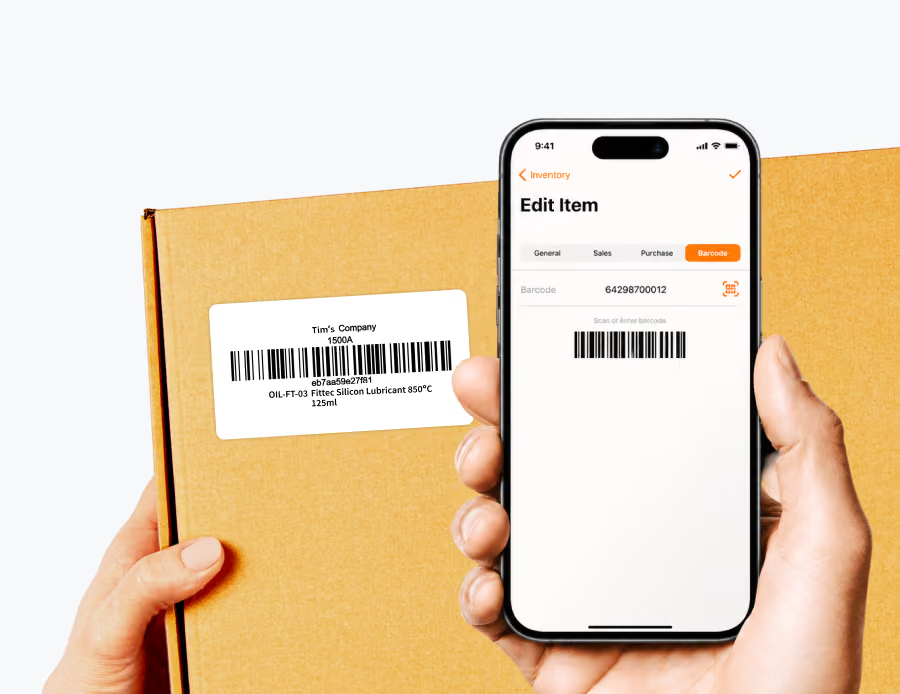
Yes. HandiFox integrates with both QuickBooks Online and QuickBooks Desktop, syncing inventory, sales, and purchasing data in real time. It extends QuickBooks with advanced features like barcoding, mobile access, and multi-location tracking. You can also use HandiFox as a standalone system if you’re not using QuickBooks.
Can I use HandiFox on mobile devices?
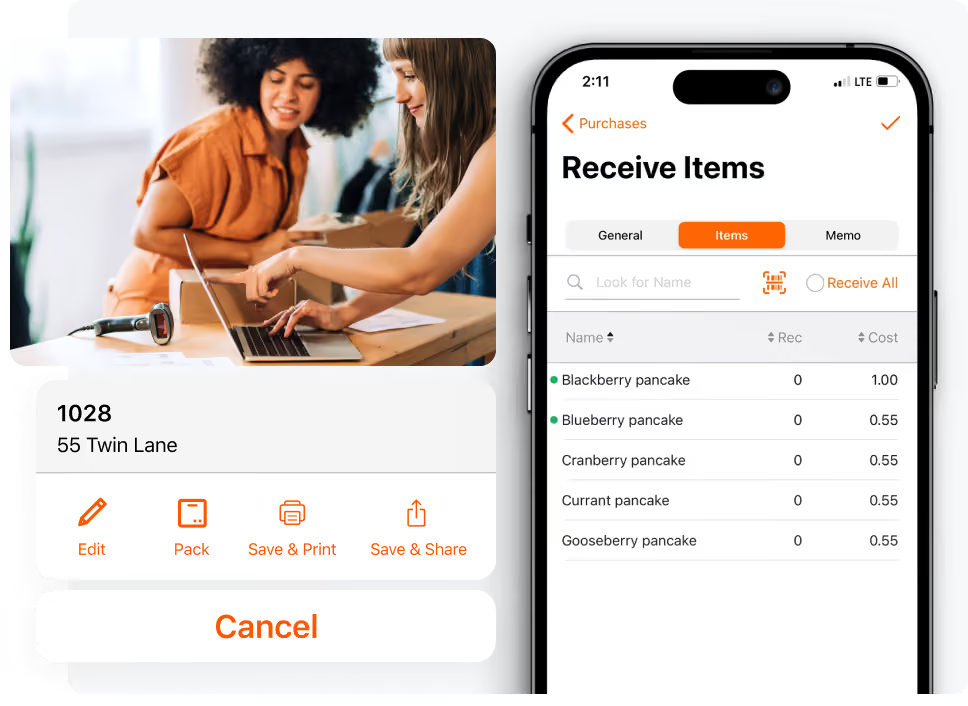
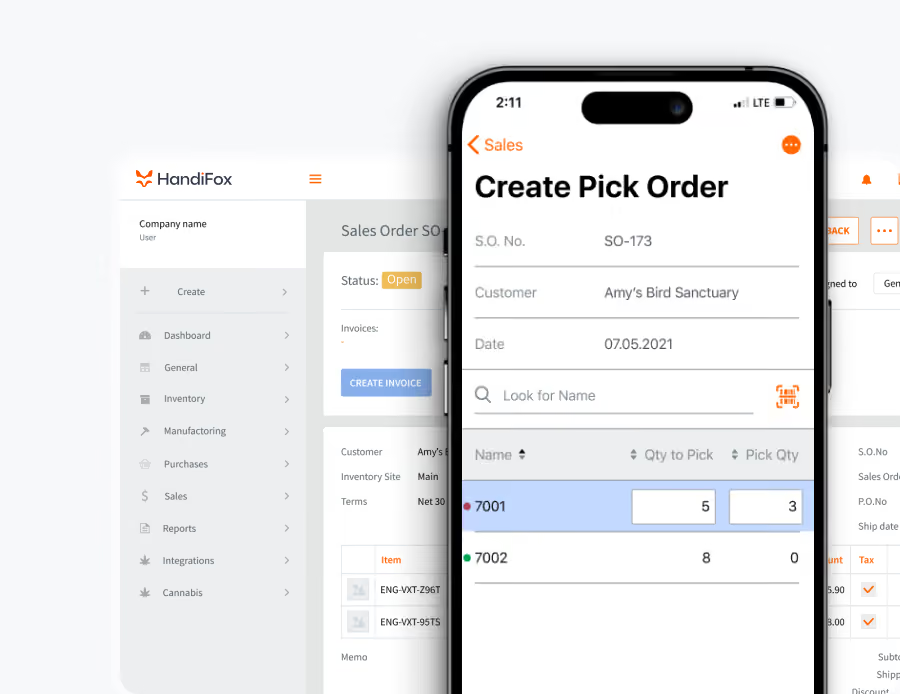
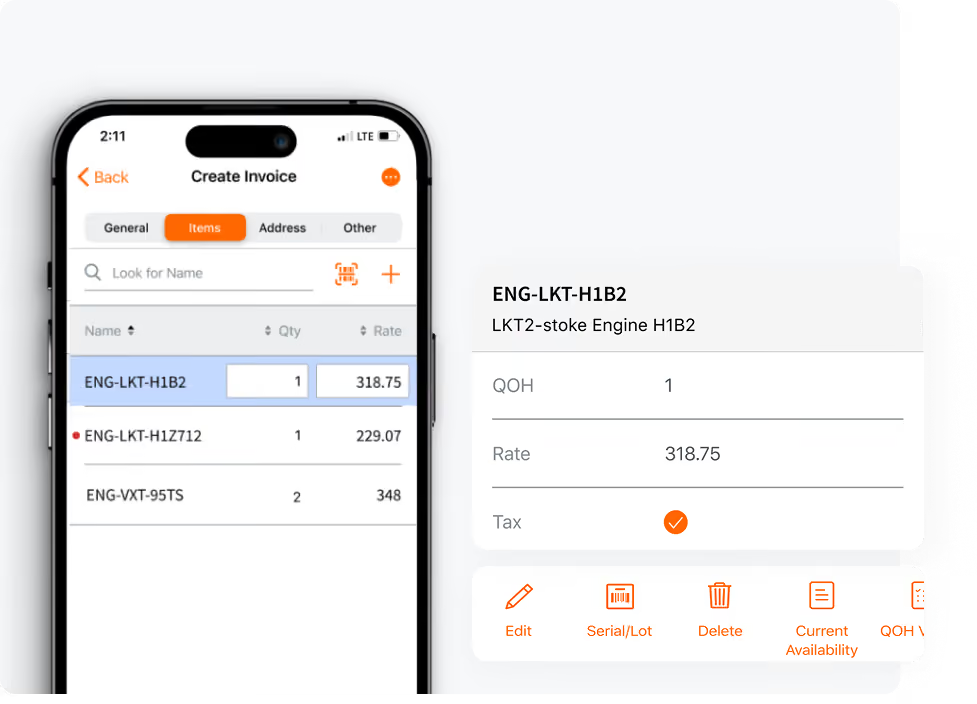
Absolutely. HandiFox offers mobile apps for Android and iOS, allowing your team to manage inventory, process orders, and track stock from anywhere, whether in the warehouse or on the go.
How quickly can I get started with HandiFox?
Most businesses are fully up and running within about four weeks, including a two-week free trial and another two weeks to fine-tune the system to match your workflows. The setup process is straightforward, especially for QuickBooks users.
What kind of support and onboarding does HandiFox provide?
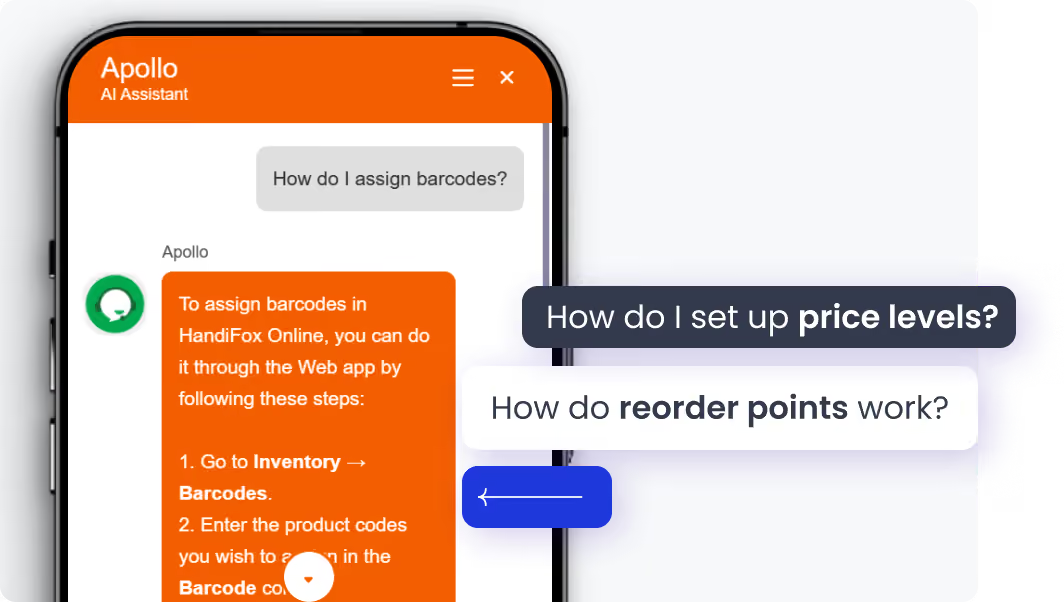
HandiFox offers live, free onboarding and training to help you get started quickly. You’ll also benefit from industry-leading support rated 5/5, a built-in AI assistant for everyday questions, and pricing designed with small business budgets in mind.


