.svg)





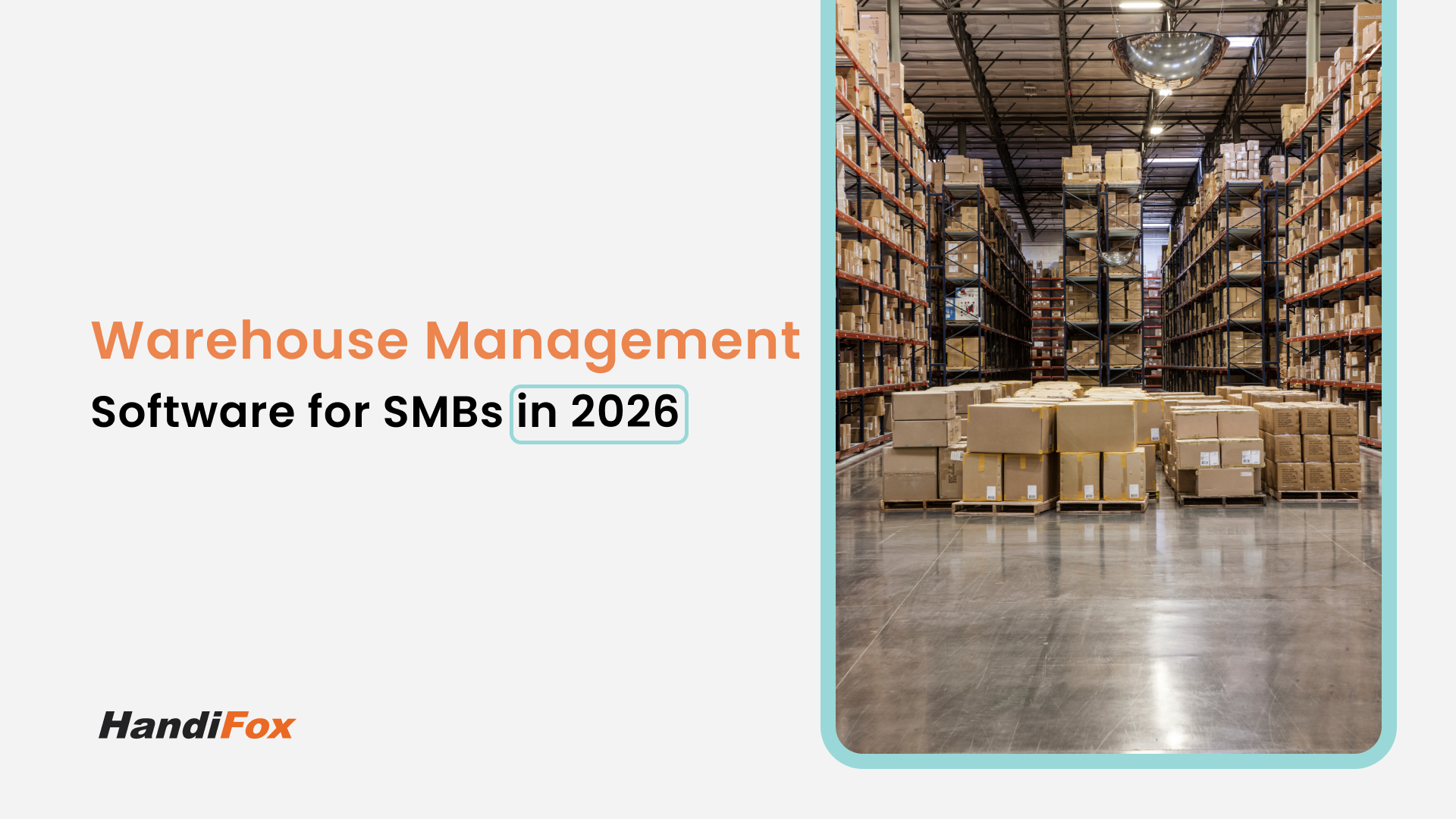
If your business is growing, your warehouse is likely getting louder, busier, and—without the right tools—more chaotic.
In 2026, the margin for error in supply chain management has effectively vanished. Customers demand next-day shipping, 100% accuracy, and real-time updates. If you are still relying on spreadsheets or memory to locate products, you aren't just falling behind; you are actively capping your growth.
Finding the best warehouse management system software (WMS) is no longer a luxury for enterprise giants; it is a survival requirement for small and mid-sized businesses (SMBs). But with hundreds of options on the market, how do you choose?
In this guide, we will break down what defines the best warehouse inventory software, compare the top types of solutions available, and explain why a system that integrates directly with your accounting is often the smartest move for SMBs.
Why Warehouse Management Systems Matter for Growing Businesses
A Warehouse Management System (WMS) is the digital brain of your physical operations. While basic inventory tracking tells you what you have, a WMS tells you where it is, who is moving it, and how to ship it most efficiently.
For a growing business, the transition from "chaos" to "control" usually happens when they implement a WMS. Here is why it matters:
- Space Optimization: A WMS helps you organize bin locations and layouts, ensuring you aren't wasting valuable square footage.
- Labor Efficiency: Instead of wandering aisles searching for items, staff are guided by mobile devices to the exact location.
- Traceability: In industries like food, medical, or electronics, being able to trace a product's journey via Lot or Serial numbers is a compliance necessity, not a feature.
- Customer Satisfaction: The best warehouse management system software prevents the dreaded "oops, we actually don't have that in stock" email that drives customers to competitors.
What Features Define the Best Warehouse Software?
Not all software is created equal. When evaluating the best warehouse inventory software for your specific needs, look beyond the flashy dashboard. You need functional depth that matches your workflow.
Here are the non-negotiable features for 2026:
1. Advanced Barcoding and Scanning
If a system relies on manual data entry, it isn't a WMS; it's just a digital ledger. The best systems utilize mobile picking and packing solutions. By using barcode scanners or smartphone cameras, you verify every item picked against the sales order, virtually eliminating human error.
2. Multi-Location Tracking
Growth often means expansion—new warehouses, retail backrooms, or even 3PL partnerships. Top-tier software allows you to view stock levels across multiple sites in a single interface and transfer inventory between them seamlessly.
3. Real-Time Inventory Control
"Real-time" is the buzzword, but true real-time means that the second a packer seals a box, your inventory management system deducts that stock, updates your accounting software, and pushes the new quantity to your eCommerce store.
4. Smart Replenishment
The software should do the thinking for you. By analyzing sales velocity and lead times, the best warehouse management system software will suggest exactly what to reorder and when, automating the purchasing process to prevent stockouts.
Cloud vs. On-Premise: Which Architecture Wins?
When searching for the best warehouse inventory software, you will encounter a fundamental choice: Cloud vs. Desktop (On-Premise).
Cloud-Based WMS (SaaS)
- Pros: Accessible from anywhere with an internet connection; lower upfront costs; automatic updates; easy integration with eCommerce platforms.
- Cons: Requires stable internet (though good apps have offline modes); recurring subscription costs.
- Best for: Modern e-commerce brands, distributed teams, and businesses using QuickBooks Online.
On-Premise WMS
- Pros: Data lives on your local server (total control); often faster performance for heavy-duty data processing; works without internet dependency.
- Cons: Higher upfront cost; requires IT maintenance; harder to access remotely without VPNs.
- Best for: Manufacturers with strict security protocols, warehouses in remote areas, or businesses committed to QuickBooks Desktop.
Note: HandiFox is unique in the market because we offer both. HandiFox Online for cloud enthusiasts and HandiFox Desktop for those who prefer an on-premise extension.
Need warehouse control without a full WMS?
HandiFox covers barcode receiving, counts, transfers between locations, and order picking for small warehouses that run on QuickBooks.
Comparison: Top Warehouse Management Software for SMBs
To find the best warehouse management system software, you need to compare the types of solutions available to small businesses.
1. The "All-in-One" ERP Giants (e.g., NetSuite, SAP)
- The Gist: These systems replace everything—accounting, HR, WMS, and CRM.
- The Verdict: While powerful, they are often overkill for SMBs. The implementation can take 6–12 months and cost hundreds of thousands of dollars. They are "best" for large enterprises, but often a trap for agile small businesses.
2. Standalone WMS (e.g., Fishbowl, SkuVault)
- The Gist: Specialized software dedicated purely to warehouse tasks.
- The Verdict: These offer deep functionality but often struggle with integration. You might end up with a "sync error" between your WMS and your accounting software, leading to financial discrepancies.
3. Integrated QuickBooks WMS (e.g., HandiFox)
- The Gist: Built specifically to extend the ecosystem you already use (QuickBooks).
- The Verdict: For businesses already using QuickBooks, this is usually the best warehouse inventory software choice. It offers the advanced features of a standalone WMS (barcoding, serial tracking) but eliminates the data silos because it treats QuickBooks as the financial source of truth.
How HandiFox Offers a Full Warehouse Inventory Solution
HandiFox was designed to fill the gap between basic accounting software and expensive ERPs. We believe the best warehouse management system software is one that your staff can actually learn to use in a day, not a month.
We provide a full-cycle solution that transforms your warehouse operations:
- Receiving: accurate receipts against Purchase Orders using scanners.
- Counting: painless cycle counts without shutting down operations.
- Sales: mobile sales orders and invoicing for field reps.
- Shipping: verified picking and packing verification.
Integration with QuickBooks and Mobile Apps
The defining characteristic of HandiFox is its seamless two-way synchronization with QuickBooks (both Desktop and Online).
Many WMS options claim to "integrate" with QuickBooks, but often simply dump data into it at the end of the day. HandiFox works in tandem. When you receive inventory in HandiFox, your inventory asset value updates in QuickBooks. When you ship an order, the invoice is generated and queued for your accountant.
The Power of Mobility
In 2026, a WMS that ties you to a desk is obsolete. HandiFox turns robust industrial scanners or standard Android/iOS smartphones into powerful inventory terminals. This allows your warehouse team to perform complex tasks—like serial number tracking or multi-site transfers—right at the pallet, not back at the office computer.
This mobility is what truly makes HandiFox a contender for the best warehouse inventory software title. It empowers your workforce to be productive anywhere: in the warehouse, at a trade show, or on a delivery route.
Choosing the best warehouse management system software is about finding the balance between power and usability. You need a system that offers the sophisticated tracking of an enterprise tool but the simplicity and affordability required by a small business.
If you are looking to automate your warehouse, eliminate manual data entry errors, and keep your accounting perfectly in sync with your stock, you don't need to spend a fortune on an ERP. You just need a system that works as hard as you do.
Discover why HandiFox is one of the best warehouse management systems for small businesses. Request your free demo today and see the software in action.