.svg)




There comes a moment in every small business owner's journey when the spreadsheet breaks.
Maybe it happens when a customer orders a product that your system says is "in stock," but the shelf is empty. Maybe it happens when your accountant asks for an inventory asset valuation, and you realize you haven't done a cycle count in six months. Or perhaps it’s just the sheer exhaustion of manually entering data into three different systems.
If you are nodding your head, you are ready for an upgrade.
In 2025, relying on manual methods or disconnected tools isn't just inefficient; it’s a growth killer. To scale, you need the best inventory management software for small businesses—tools that automate the grunt work and give you visibility.
But with hundreds of options on the market, how do you choose? In this guide, we’ll break down what makes a great inventory management system for small business operations, what features are non-negotiable, and why integrating with your accounting software is the secret to success.
Why Small Businesses Need Inventory Software Now More Than Ever
A decade ago, only large enterprises could afford sophisticated warehouse management systems (WMS). Today, that technology is accessible to everyone, and the playing field has leveled.
For a small business, inventory is likely your biggest asset. It’s cash sitting on a shelf. If you don't manage it efficiently, that cash is tied up in dead stock or lost to spoilage and theft.
Implementing a dedicated system allows you to:
- Prevent Stockouts & Overstocking: Know exactly when to reorder so you never miss a sale or tie up capital unnecessarily.
- Automate Manual Data Entry: Stop typing the same tracking number into three different emails and a spreadsheet.
- Scale Without Chaos: Add new sales channels (like Shopify) or new warehouse locations without doubling your administrative workload.
The Hidden Costs of Manual Inventory Tracking
Many small businesses cling to Excel or pen-and-paper because it feels "free." But manual tracking is one of the most expensive ways to operate.
- Human Error: It is estimated that manual data entry has an error rate of about 1%. If you process 1,000 orders a month, that is 10 unhappy customers or lost shipments.
- The "Time Sink": How many hours a week do you or your staff spend looking for items? That is time that should be spent on sales and growth.
- Lack of Real-Time Data: A spreadsheet is only accurate the moment you save it. Five minutes later, it is outdated.
To stay competitive, you need an inventory management system for small business usage that operates in real-time.
Outgrowing spreadsheets?
HandiFox gives small teams barcode scanning, purchasing, sales orders, and QuickBooks sync in one system.
What Makes a Good System for Small Teams?
When searching for the best inventory management software for small businesses, avoid "Enterprise" bloat. You don't need a system that takes six months to learn. You need a solution that is:
- User-Friendly: Your warehouse staff and sales reps need to be able to use it with minimal training.
- Mobile-First: Business happens in the warehouse aisles and on the road, not just behind a desk.
- Integrated: It must talk to your accounting software (like QuickBooks) and your eCommerce platform.
- Scalable: It should handle one warehouse today and five warehouses next year.
Key Features You Cannot Compromise On
As you evaluate different software, ensure your shortlist includes these critical capabilities.
1. Seamless QuickBooks Integration
For most US-based small businesses, QuickBooks is the financial "source of truth." The best software acts as an extension of QuickBooks, not a replacement. It should sync transactions, items, and customers instantly, ensuring your books are always tax-ready.
2. Barcoding and Mobile Scanning
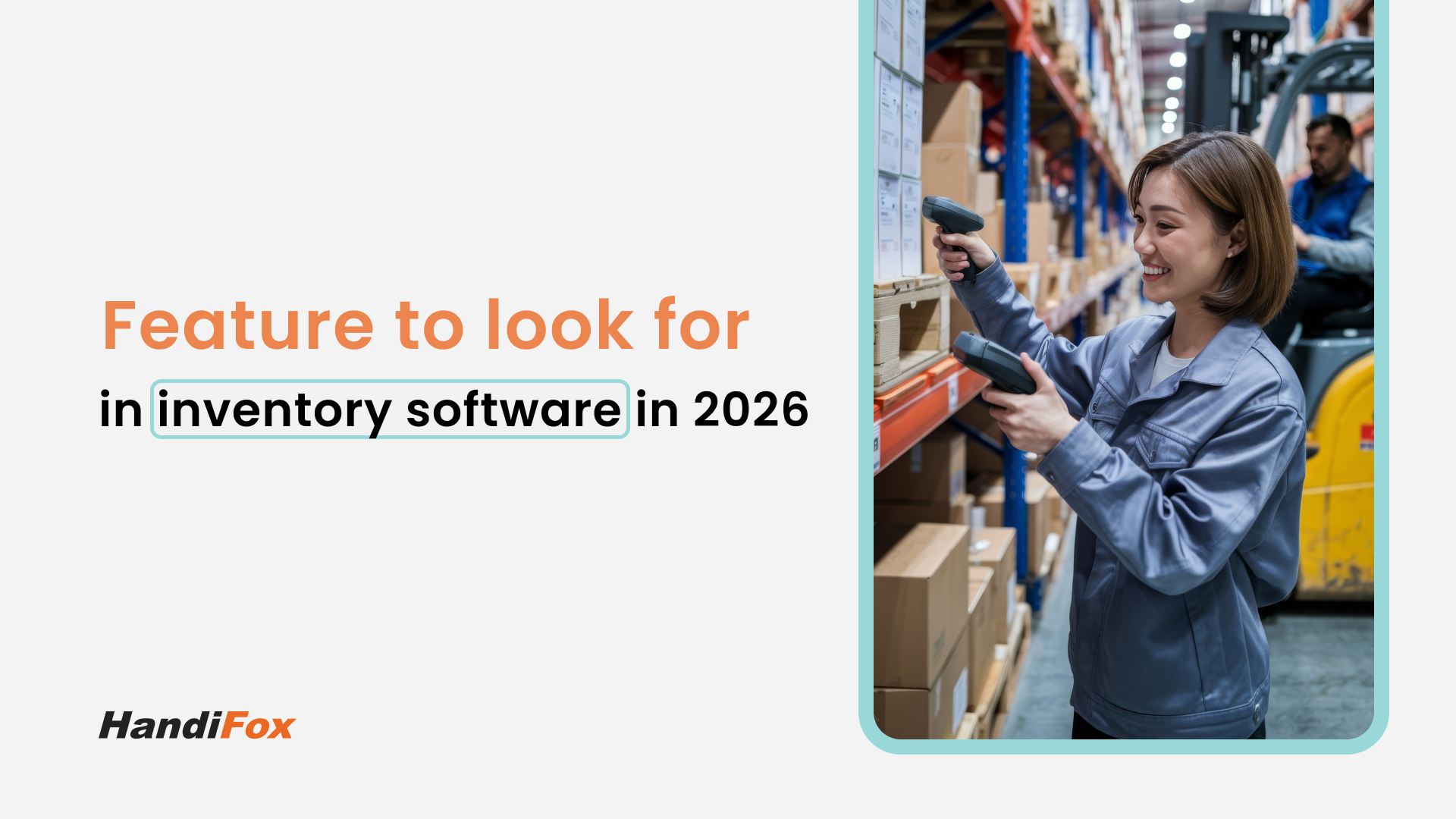
The fastest way to improve accuracy is to stop typing and start scanning. A robust system will allow you to use mobile devices to scan barcodes for receiving, counting, and picking and packing. This validates that the item in the box matches the item on the order.
3. Multi-Location Tracking
Do you have inventory in a main warehouse, a retail backroom, and maybe a few service vans? You need a system that offers multi-location visibility. You should be able to see stock levels at each specific site and transfer items between them easily.
Learn more about multi-location control: Multi-location Inventory Tracking.
4. Smart Purchasing
A good system analyzes your sales history and current levels to help you make smarter buying decisions. It should allow you to generate Purchase Orders (POs) automatically and track them until the goods arrive.
Explore how automation improves purchasing workflows: Purchasing.
Comparison: ERP vs. Spreadsheets vs. Dedicated Software
To find the best inventory management software for small businesses, it helps to understand the three main categories of tools available.
Spreadsheets
Spreadsheets are often the starting point for very small or early-stage businesses.
- Cost: Low upfront, but expensive in time and manual effort
- Setup: Immediate — no technical setup required
- Ease of use: High at first, but becomes unmanageable as inventory grows
- QuickBooks integration: None — updates must be entered manually
- Mobile use: Limited or not practical
- Best suited for: Hobbyists or very small operations with minimal inventory
While spreadsheets feel flexible, they quickly become error-prone and hard to scale.
Enterprise ERP Systems (e.g., SAP, NetSuite)
ERPs are designed for large, complex organizations with extensive resources.
- Cost: Very high (licensing, implementation, consulting)
- Setup: Long and complex — often months or years
- Ease of use: Low for non-technical users
- QuickBooks integration: Often requires third-party tools or custom development
- Mobile use: Varies by module and configuration
- Best suited for: Large corporations with dedicated IT teams
ERPs deliver powerful functionality but come with significant cost and operational overhead.
Dedicated Inventory Software for Small Businesses (e.g., HandiFox)
Purpose-built inventory tools bridge the gap between spreadsheets and ERPs.
- Cost: Moderate and predictable
- Setup: Fast — typically days or weeks
- Ease of use: High, designed for operational teams
- QuickBooks integration: Native and seamless
- Mobile use: Excellent — built for warehouse and field workflows
- Best suited for: Growing small and mid-sized businesses
Dedicated inventory software offers the control and automation businesses need — without the complexity or cost of an enterprise ERP.
For 90% of small businesses, the "sweet spot" is dedicated software that integrates with their existing accounting tools. It offers the power of an ERP without the six-figure price tag.
Why HandiFox Stands Out as an All-in-One Solution
HandiFox was built specifically to solve the problems of small to mid-sized businesses that use QuickBooks. We understand that you need industrial-strength features without the enterprise complexity.
Here is why HandiFox is consistently rated as a top inventory management system for small business owners:
HandiFox Bridges the Gap Between Office and Warehouse
HandiFox isn't just a desktop program; it's a mobile powerhouse. Our Android and iOS apps allow your team to perform inventory counts, receive items, and pick orders right where the work happens.
Serious Sales Automation
Unlike many other WMS tools, HandiFox empowers your sales team. Field reps can create sales orders, check stock, and even issue invoices from a tablet while at a customer’s site.
Flexibility: Cloud or Desktop
We know that every business setup is different. That’s why we offer two distinct versions:
- HandiFox Online: For businesses that want cloud-based freedom and use QuickBooks Online.
- HandiFox Desktop: For businesses that prefer on-premise data control and use QuickBooks Desktop.
The year 2026 is not the year to struggle with inventory guesswork. Your customers expect speed and accuracy, and your bottom line demands efficiency.
Choosing the best inventory management software for small businesses is about finding a partner that fits your workflow. You need a system that offers barcoding accuracy, mobile flexibility, and rock-solid accounting integration.
HandiFox offers all of this in one affordable package, designed to grow as you grow.
Ready to stop counting by hand and start automating? Request your free demo today.