.svg)





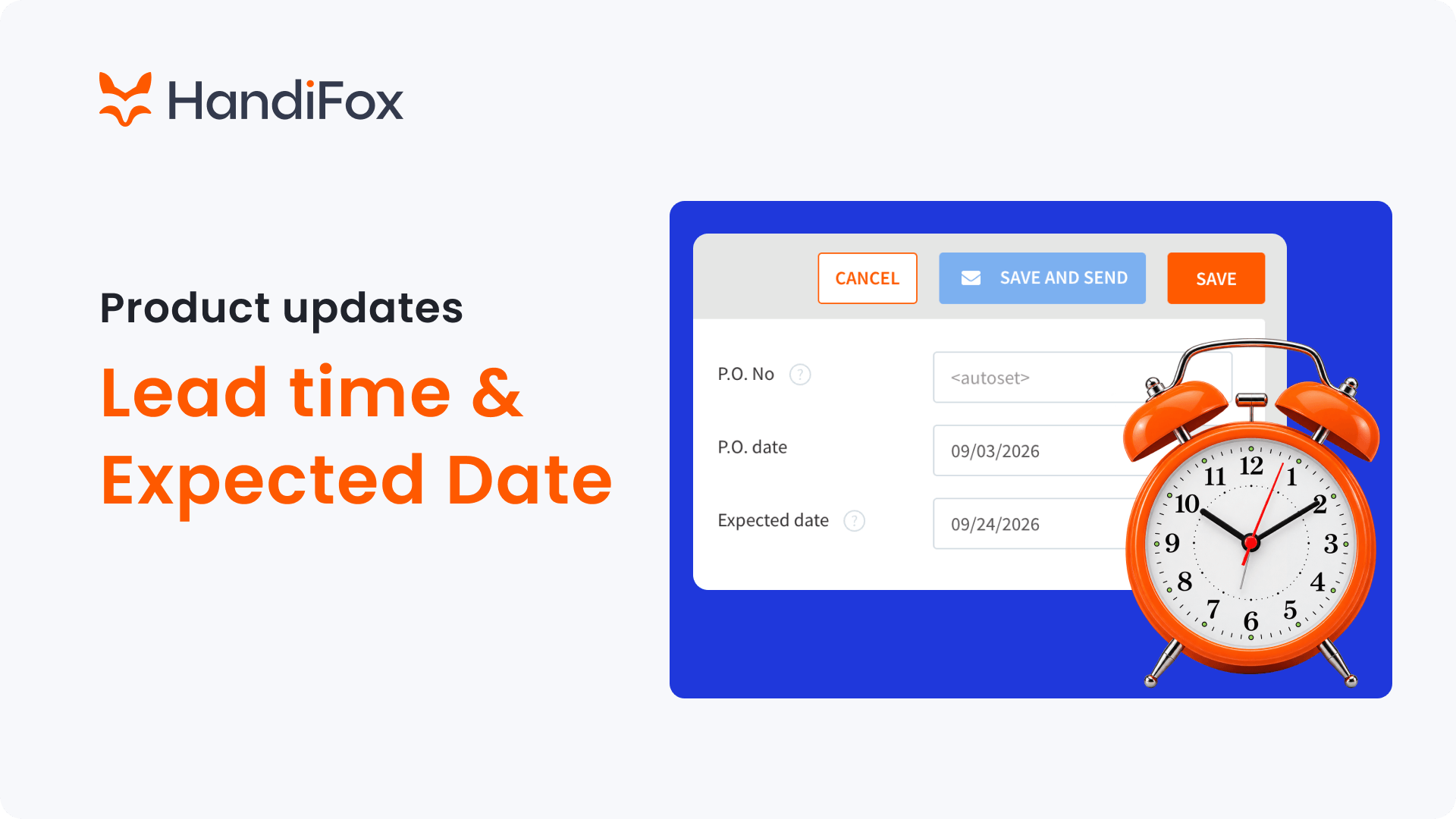
Planning purchases gets easier when you know not only what you've ordered, but when you expect it to arrive.
HandiFox Online now lets you set lead times for vendors and automatically calculate expected dates for Purchase Orders. We've also improved PO visibility across purchasing and sales workflows, making it easier to keep track of incoming inventory.
Set lead times for your vendors
You can now specify a Lead time when creating or editing a vendor in HandiFox Online.
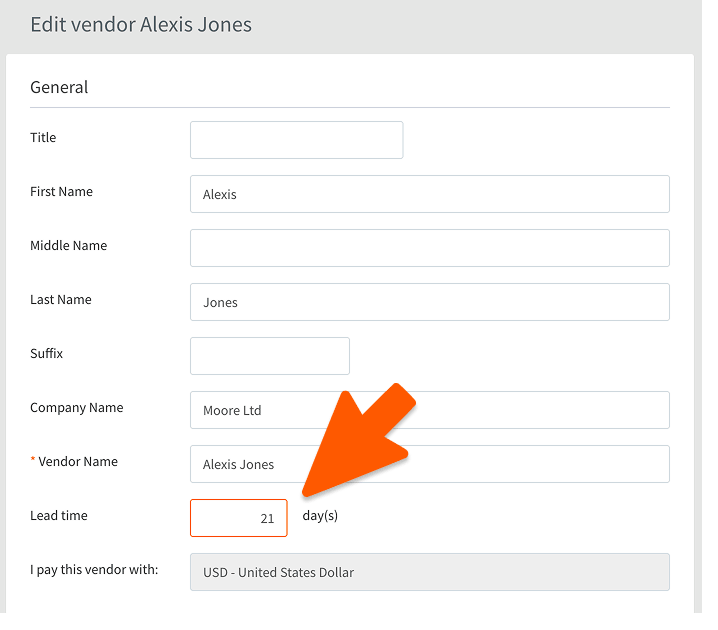
Lead time represents the typical number of days between placing an order with that vendor and expecting the inventory to arrive. For example, if a vendor normally takes 21 days to fulfill an order, simply enter 21 days in their vendor profile.
This gives HandiFox the information it needs to calculate expected arrival dates for future Purchase Orders automatically.
Automatically calculate expected PO dates
Purchase Orders now include an Expected date in addition to the PO date.

When you select a vendor with a configured lead time, HandiFox calculates it automatically:
Expected date = PO date + vendor lead time
For example, if you create a PO on September 3 and the vendor's lead time is 21 days, the expected date will be set to September 24.
Need to account for a particular shipment or a different delivery schedule? You can manually change the expected date at any time.
If no lead time has been specified for the vendor, the expected date remains empty so you can enter one manually.
The new Expected date is available when creating and editing Purchase Orders on both the web and mobile apps and is also displayed when viewing a PO on the web.

Plan purchases around real vendor lead times
HandiFox calculates expected dates for purchase orders from vendor lead times, so your team knows when stock will arrive.
Expected dates work with automatically created POs, too
The same calculation applies when HandiFox creates a Purchase Order as part of another workflow.
When a PO is generated through Automatic Replenishment, HandiFox uses the selected vendor's lead time to calculate the expected date automatically.
Expected dates are also calculated when you create a Purchase Order from a Sales Order. This means you don't have to enter delivery estimates manually each time purchasing is triggered from existing demand.
See expected dates in Purchase Transactions
We've also added an Expected date column to Purchase Transactions, making it easier to review upcoming inventory directly from your purchasing list.
The column appears after Status, and you can show or hide it through the View settings depending on how you prefer to organize your transaction list.

This gives purchasing teams a quicker way to see which orders are expected next without opening individual POs.
See Purchase Order status from a Sales Order
When a Purchase Order is created from a Sales Order, you can now see its PO status directly from the Sales Order.
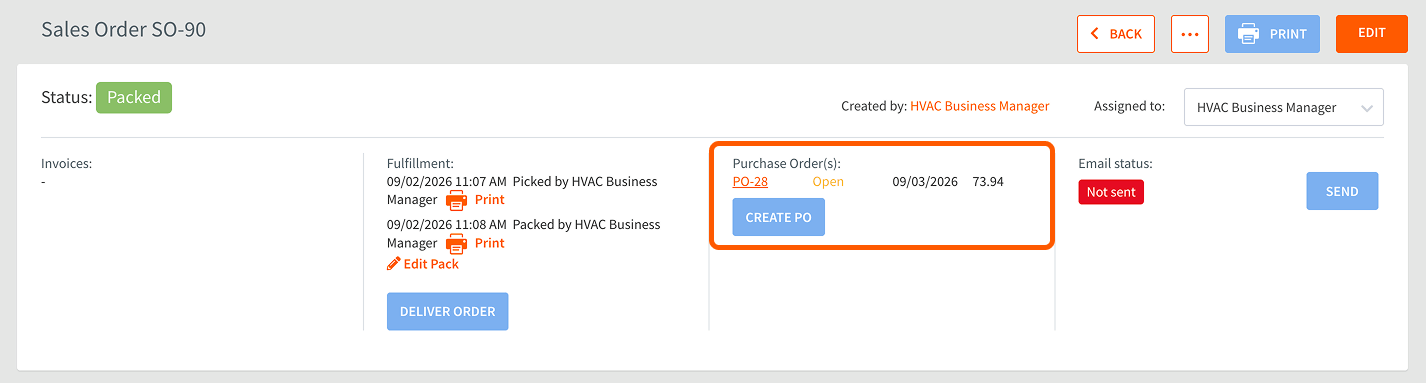
The status uses the same values as Purchase Transactions, so you can quickly check where the related purchase stands without switching between transactions.
Better visibility from ordering to receiving
These updates connect a few important pieces of the purchasing workflow: how long a vendor typically takes to deliver, when a specific Purchase Order is expected, and the current status of inventory being purchased.
Configure lead times once for your regular vendors, and HandiFox Online can use them whenever new Purchase Orders are created, while still giving you the flexibility to adjust individual expected dates when needed.
Try the new purchasing updates in HandiFox Online today.